Haiti’s Gang Crisis Forces Emergency UN Security Council Session as Violence Escalates
Provpnmatrix.com – The United Nations Security Council convened an emergency session at 3 p.m. local time to address a sharp deterioration in Haiti’s security situation. The gathering was triggered by a wave of lethal gang attacks targeting civilians across the Caribbean nation, compounded by growing evidence that unlicensed weapons continue to flow into the country despite a long-standing international arms embargo. Council members were expected to hear briefings on the latest developments and debate options for strengthening the international response.
A Single Day of Carnage in Kenscoff
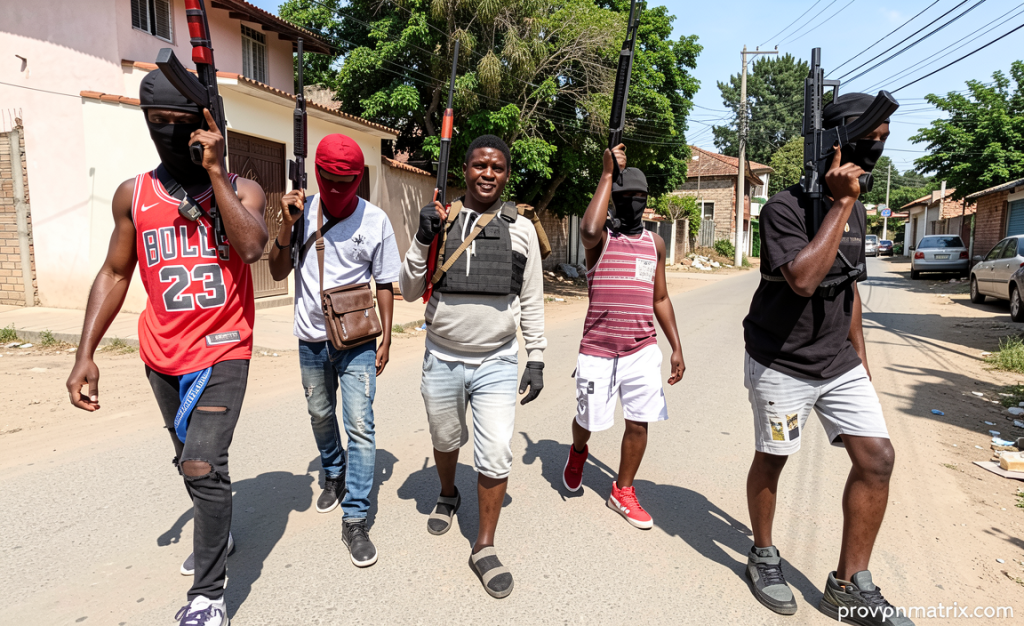
The most recent flashpoint came on 23 August, when armed gangs struck the Kenscoff district, located just outside the capital, Port-au-Prince. In that one day of violence, at least 47 people were killed, 22 more sustained injuries, and over 52 individuals were abducted. The scale of the attack — combining mass killing, wounding, and mass kidnapping in a single operation — underscored how far beyond conventional criminality the gangs’ tactics have evolved. Kenscoff, a densely populated area on the capital’s outskirts, has become a recurring battleground as rival armed groups contest territory and control over local populations.
For residents of Port-au-Prince and its surrounding communes, such episodes have become almost routine. The psychological toll of living under the constant threat of armed incursions — where gunfire, roadblocks, and forced disappearances define daily life — has driven waves of internal displacement and deepened public distrust of state institutions unable to guarantee basic safety.
By the Numbers: A Quarter of Devastation
The broader picture, as documented in the latest reporting by the UN Integrated Office in Haiti (BINUH), reveals a crisis of staggering proportions. Between 1 April and 30 June alone, 1,408 people were killed and 656 injured in incidents linked to gang-related violence. In the same three-month window, 326 individuals were subjected to sexual violence, a figure that highlights how systematically armed groups use physical domination and terror as tools of control over communities.
These statistics represent only what could be verified and recorded. Independent observers and local civil-society groups have long cautioned that the true toll is likely higher, given gaps in access to affected areas, the collapse of civil-registration systems, and the difficulty of documenting deaths in informal burial sites. The April-to-June window thus functions as a floor rather than a ceiling for the human cost of Haiti’s gang crisis.
Weapons Embargo Under Strain
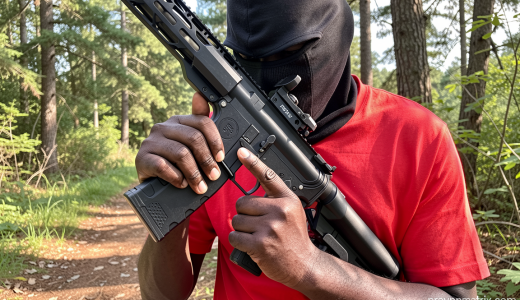
A persistent aggravating factor is the continued illicit inflow of firearms and ammunition into Haiti. The UN Human Rights Office (OHCHR) has noted that these unregulated flows sustain and strengthen the armed groups operating across the country. The practical effect is a self-reinforcing cycle: more weapons enable more violence, which in turn fuels demand for further arms as communities seek protection or as gangs expand their arsenals.
The situation took on a particularly pointed dimension this week when a gang operating in Port-au-Prince posted what appeared to be a fresh shipment of weapons arriving from abroad on its social media account. The display came despite the fact that a UN Security Council arms embargo on Haiti has been in force since 2022. Whether the shipment was smuggled through maritime channels, overland routes, or via allied states’ territories, the episode raised fresh questions about enforcement gaps and the willingness of external actors to honour the embargo’s terms.
The continued arrival of new weapons into a country under a formal arms embargo signals either a failure of enforcement or a deliberate choice by outside actors to supply armed groups — both scenarios carry serious implications for the stability of the entire Caribbean region.
International Response: Missions and Forces
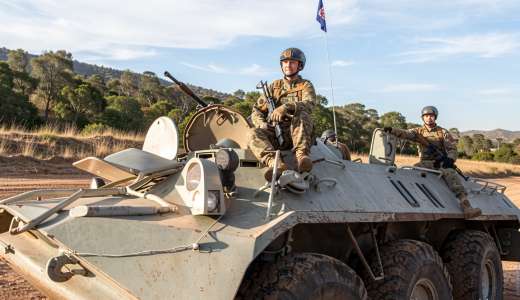
The Security Council’s institutional response to Haiti’s gang crisis has unfolded in stages. In 2023, the Council authorised the creation of a multinational security support mission designed to assist Haitian authorities in restoring order, protecting civilians, and supporting the work of the country’s police and justice institutions. Building on that framework, a new gang suppression force was established in 2025, reflecting the Council’s assessment that the scale and sophistication of armed-group operations required a more dedicated operational capability.
These authorisations, however, operate within constraints. Multinational forces in Haiti have faced challenges including limited troop contributions, logistical bottlenecks, and the difficulty of projecting security across a fragmented urban landscape where gangs control neighbourhoods, roads, and informal economies. The emergency session called for this week is widely understood as an opportunity for Council members to reassess whether existing mandates and resources remain adequate to the threat, and to consider whether additional measures — from strengthened embargo monitoring to expanded force protection — are warranted.
Why It Matters Beyond Haiti
Haiti’s gang crisis does not exist in isolation. The country sits at the crossroads of Caribbean migration routes, and sustained instability fuels irregular departures by sea, straining neighbouring states and drawing renewed attention to regional cooperation mechanisms. Persistent weapons smuggling into Haiti also intersects with broader illicit-economy networks spanning the Caribbean basin, linking arms trafficking to fuel smuggling, narcotics transit, and organised crime syndicates operating across multiple jurisdictions.
For the roughly 11 million people living in Haiti, the question posed by this week’s emergency session is ultimately simple: can the international community translate its authorisations into tangible protection on the ground before the next cycle of attacks pushes the country further toward institutional collapse? The answer, or the absence of one, will shape not only Haiti’s near-term trajectory but the security architecture of the wider Caribbean for years to come.
Related Reading
Frequently Asked Questions
What is Security Council LIVE?
Security Council LIVE is the main topic of this guide. The article explains the context, practical details, and next steps readers should understand.
Why does Security Council LIVE matter?
Security Council LIVE matters because readers are looking for a useful answer, not just a short summary. Good content should match search intent and help them decide what to do next.