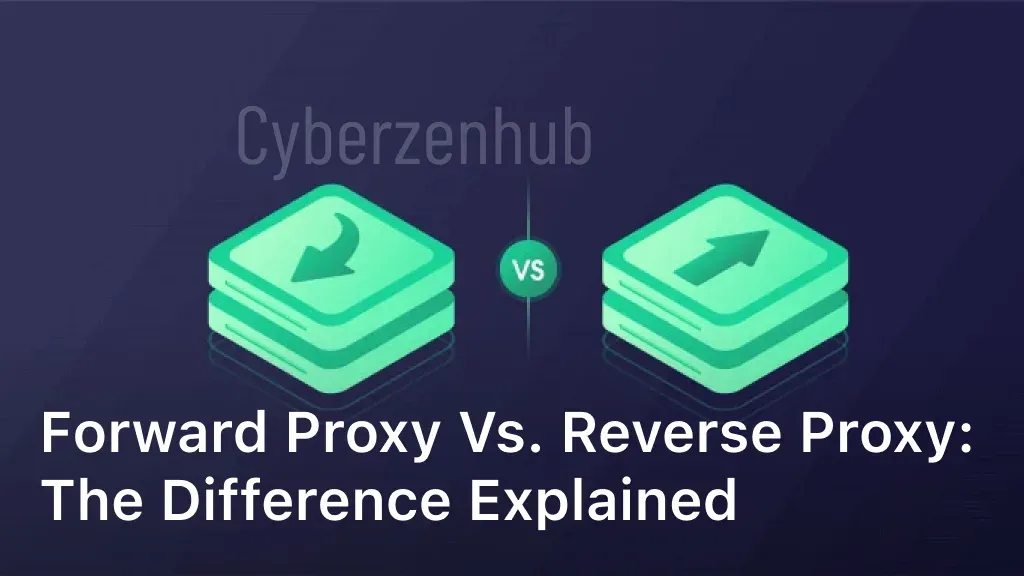
In today’s digital landscape, website security and performance are crucial factors that organizations need to prioritize. One key technology that helps achieve these goals is a reverse proxy server. But what exactly is a reverse proxy server? A reverse proxy server acts as an intermediary between client devices and web servers. Unlike a traditional proxy server that forwards client requests to the internet, a reverse proxy server receives requests from clients and redirects them to the appropriate backend server. In simpler terms, it acts on behalf of the server and shields it from direct client connections. Reverse proxy servers play a vital role in managing web traffic and enhancing website security. By providing an additional layer of protection, reverse proxy servers safeguard backend servers from unwanted access and potential attacks, such as DDoS (Distributed Denial of Service) attacks. Additionally, they optimize network traffic by distributing requests across multiple servers, ensuring efficient load balancing and improved website performance. In the following sections, we will delve deeper into how a reverse proxy server works, the benefits it offers, real-world examples of its implementation, and a step-by-step guide on configuring and setting up a reverse proxy server. By understanding the fundamentals of reverse proxy servers, businesses can leverage this technology to bolster their online presence and ensure a secure and seamless user experience. How Does Reverse Proxy Server Work? In this section, we will delve into the inner workings of a reverse proxy server and explore how it functions to manage web traffic efficiently. By intercepting and forwarding client requests, balancing the load, and utilizing caching capabilities, reverse proxy servers play a crucial role in enhancing overall website performance. Intercepting and Forwarding Client Requests A reverse proxy server acts as an intermediary between client devices and backend servers. When a client sends a request to access a website, the reverse proxy server intercepts the request and forwards it to the appropriate backend server. By doing so, the reverse proxy server hides the backend server’s identity, providing an extra layer of security. Load Balancing One of the primary functions of a reverse proxy server is load balancing. It distributes incoming client requests across multiple backend servers, ensuring even distribution of the workload. This results in improved server performance, high availability, and optimal resource utilization. Caching Capabilities A reverse proxy server can also cache frequently accessed content. When a client requests a specific resource, the reverse proxy server checks its cache first. If the requested content is present in the cache, the reverse proxy server serves it directly to the client, reducing the load on the backend servers and significantly improving response times. In summary, a reverse proxy server works by intercepting and forwarding client requests, balancing traffic load, and utilizing caching capabilities. By implementing this powerful tool, businesses can ensure seamless website performance, improved security, and enhanced user experience. Benefits of Using a Reverse Proxy Server. Implementing a reverse proxy server can provide numerous advantages for businesses. Let’s explore the benefits of using a reverse proxy server and compare it to a forward proxy server. Enhanced Website Security A reverse proxy server acts as a defensive shield, protecting the backend infrastructure from direct access by clients. By intercepting and filtering client requests, it becomes an additional layer of security, preventing direct communication with servers. Reverse proxy servers allow for SSL/TLS termination, enabling encryption and decryption of traffic. This added security measure minimizes the risk of data breaches and unauthorized access to sensitive information. Reduced Server Load Reverse proxy servers distribute client requests across multiple servers, balancing the traffic load and preventing any single server from becoming overwhelmed. This load balancing capability ensures optimal performance, even during peak traffic periods. By efficiently managing server resources, reverse proxy servers can improve response times and maintain high availability. Optimized Network Traffic A reverse proxy server caches frequently accessed content, reducing the need for repeated requests to backend servers. By serving cached content, network bandwidth is conserved, resulting in faster response times and improved user experience. Reverse proxy servers also offer advanced traffic optimization techniques such as compression and content delivery network (CDN) integration, further enhancing performance. When compared to forward proxy servers, reverse proxy servers offer distinct benefits that cater specifically to website security, server load management, and network traffic optimization. By leveraging these advantages, businesses can enhance website performance, improve user experience, and ensure a secure online environment. Reverse Proxy Server Examples. When it comes to implementing a reverse proxy server, there are several popular software options that have been widely used by organizations to improve website performance and scalability. Let’s take a look at some of the top reverse proxy server software: NGINX: NGINX is a well-known reverse proxy server software that offers high-performance load balancing, caching, and SSL/TLS termination capabilities. It is highly scalable and can handle heavy traffic loads efficiently. Apache HTTP Server: Apache HTTP Server is another popular choice for reverse proxy server deployments. It provides a robust and customizable solution with various modules that can be configured to meet specific requirements. HAProxy: HAProxy is a lightweight and powerful load balancer and reverse proxy server software. It offers high availability, SSL termination, and session persistence, making it suitable for demanding environments. Varnish Cache: Varnish Cache is a reverse proxy server software that focuses on caching and accelerating web content delivery. It provides excellent performance and can significantly improve website response times. These are just a few examples of the top reverse proxy server software available in the market. Each software has its own unique features and strengths, allowing businesses to choose the one that best fits their specific needs and requirements. Configuring a Reverse Proxy Server. Setting up a reverse proxy server may seem daunting, but with the right guidance, it can be a straightforward process. This section provides a step-by-step guide on how to configure and set up a reverse proxy server, ensuring a seamless deployment for your website. Choose the Right Software:Â Start by selecting a reliable reverse proxy server
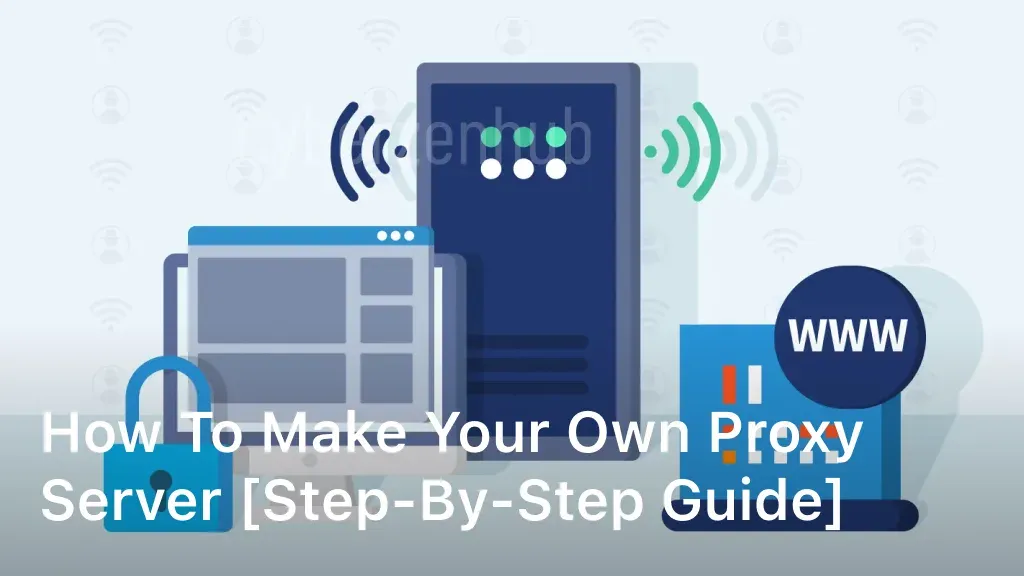
How To Build A Proxy Server: Step-by-Step Guide
Welcome to our comprehensive guide on how to build a proxy server from scratch. In this article, we will provide you with a detailed step-by-step process for setting up and configuring your own proxy server. Whether you want to improve your online security, access restricted content, or enhance your web management capabilities, building a proxy server can be a game-changer. Before we dive into the technical aspects, it’s crucial to understand the concept of proxy servers and the benefits they offer. By acting as an intermediary between your device and the internet, proxy servers can provide anonymity, bypass content filters, and improve network performance. Now, let’s get started on the exciting journey of setting up your own proxy server. Understanding Proxy Servers and Their Benefits Before diving into the process of building a proxy server, it’s important to have a clear understanding of what a proxy server is and the benefits it provides. By acting as an intermediary between your device and the internet, a proxy server enables you to browse the web anonymously and securely. A proxy server offers a range of advantages, making it an indispensable tool for various use cases. Here are some key benefits of using a proxy server: Anonymity and Privacy: A proxy server masks your IP address, making it difficult for websites and online services to track your online activities. This ensures a higher level of privacy and protects your sensitive information from being exposed. Access Control: With a proxy server, you can control access to certain websites or web content. This is useful for organizations that want to restrict employee internet access or parents who want to filter content for their children. Improved Performance: Proxy servers can cache web content, reducing the load on your network and enhancing website loading speeds. This is particularly beneficial for frequently visited websites or areas with limited internet bandwidth. Security and Filtering: Proxy servers can provide additional security measures such as filtering out malicious content, blocking unwanted ads, and preventing access to potentially harmful websites. Geo-Restriction Bypassing: By routing your internet traffic through a proxy server located in a different region or country, you can bypass geo-restrictions imposed by certain websites or streaming platforms. Understanding these benefits will help you appreciate the value and importance of building your own proxy server. In the next section, we will guide you through choosing the right hardware and operating system to get started with your proxy server setup. Choosing the Right Server Hardware and Operating System When it comes to building a proxy server, the first crucial step is selecting the right server hardware and operating system. The performance and effectiveness of your proxy server setup will greatly depend on these decisions. Let’s take a closer look at the process of choosing the ideal hardware and operating system for your proxy server installation. 1. Evaluating Your Server Hardware Requirements Before making any hardware decisions, it’s essential to assess your specific needs and requirements. Consider factors such as the number of users, expected traffic volume, and the types of applications or services you will be using the proxy server for. These considerations will help you determine the necessary hardware specifications, including processor power, RAM, and storage capacity. 2. Researching Reliable Server Hardware Providers Once you have a clear understanding of your server hardware requirements, conduct thorough research to identify reliable and reputable server hardware providers. Look for companies that offer a wide range of options and have a strong track record in delivering high-performance server hardware. Reading reviews and seeking recommendations from trusted sources can be helpful during this research phase. 3. Selecting the Ideal Operating System Choosing the right operating system for your proxy server is equally important as selecting the hardware. Consider factors such as stability, security features, compatibility, and ease of management. Popular choices for proxy server installations include Linux-based operating systems like Ubuntu Server, CentOS, or Debian. These operating systems are known for their robustness, reliability, and extensive community support. 4. Evaluating Operating System Requirements Ensure that the operating system you choose supports the software and applications you plan to run on your proxy server. Check the system requirements of your chosen proxy server software and cross-reference them with the specifications of your preferred operating system. This will help ensure compatibility and optimal performance. 5. Considering Additional Software Requirements Depending on your specific needs, you may also need to consider additional software requirements such as firewall solutions or load balancing tools. These additional software components can enhance the security and performance of your proxy server setup. Research and select the appropriate software solutions that align with your goals and requirements. By carefully choosing the right server hardware and operating system, you lay a solid foundation for building a robust and efficient proxy server. In the next section, we will guide you through the process of installing and configuring the proxy server software to get your server up and running. Installing and Configuring Proxy Server Software Now that you have set up your hardware and operating system, it’s time to move on to the next crucial step – installing and configuring the proxy server software. This section will guide you through the seamless installation process and provide detailed instructions for configuring your proxy server to ensure its optimal performance. To get started with the installation, follow these steps: Identify the right proxy server software for your needs. Popular options include Squid, Nginx, and Apache. Download the chosen proxy server software from the official website. Before installing, make sure your system meets the software’s requirements. Run the installation file and follow the on-screen instructions. Once the installation is complete, it’s time to configure your proxy server. Configuration is an essential step to ensure your proxy server functions as desired. Here are the key steps to follow: Locate the configuration file of the proxy server software. It is typically found in the installation directory. Open the configuration file using a text editor. Modify the relevant settings as per your
10 Best Search Engine For Privacy in 2024
Welcome to our guide on the best search engines for privacy in 2024. In an era where data privacy has become a prominent concern, finding a search engine that respects your privacy is crucial. With numerous options available, we have compiled a list of the top 10 search engines with strong privacy features and no data tracking. Let’s dive in and explore the private search engines that put your privacy first. DuckDuckGo – The Leading Private Search Engine When it comes to online privacy, one search engine stands out from the crowd – DuckDuckGo. With its commitment to user privacy and data protection, DuckDuckGo has become the go-to choice for those seeking a secure and anonymous search experience. As a secure search engine, DuckDuckGo prioritizes user privacy by not tracking or storing personal information. This means that every search you make on DuckDuckGo remains completely anonymous, without any data being collected or shared with third parties. One of the key features that sets DuckDuckGo apart from other search engines is its strict policy against personalized tracking. While other search engines may tailor search results based on your previous searches and browsing history, DuckDuckGo treats every user equally. This ensures that your search results aren’t influenced by personalization algorithms and allows for a more unbiased and objective search experience. Additionally, DuckDuckGo offers built-in privacy features to enhance your online security. Its encrypted search functionality protects your search queries from prying eyes by securing your connection with HTTPS encryption. This means that your search activity is shielded from potential eavesdroppers, providing you with peace of mind while browsing the web. In summary, DuckDuckGo is not just another search engine – it’s a secure, private, and anonymous search engine that puts user privacy first. With its commitment to data protection and unbiased search results, DuckDuckGo has rightfully earned its reputation as the leading private search engine. Qwant – Privacy-Focused Search Engine When it comes to safeguarding user privacy, Qwant sets the standard as a secure and private search engine. With a strong commitment to protecting user data, Qwant stands out as a search engine that respects user privacy and offers a safe browsing experience. Qwant employs robust security measures to ensure that user searches remain private and anonymous. With its secure search engine technology, Qwant refrains from tracking user activity or storing search queries, ensuring that users can explore the internet without being monitored or targeted. One of the distinctive features of Qwant is its use of “Qwant Boards.” These customizable boards allow users to organize and curate search results according to their preferences. By enabling users to save web pages and search results securely, Qwant empowers individuals to control their online information and keep track of relevant content. As a private search engine, Qwant separates itself from traditional search engines by prioritizing user privacy. By using Qwant as their go-to search engine, individuals can enjoy a secure and private online browsing experience, free from intrusive tracking and data collection. Secure search engine that prioritizes user privacy No tracking or storing of user search queries Customizable Qwant Boards for organizing and curating search results Safe and anonymous search experience Startpage – Anonymous Search Engine When it comes to protecting your online privacy, Startpage is a leading private search engine that prioritizes anonymity and strong privacy features. By using Startpage, you can browse the web without worrying about your personal information being tracked or stored. Startpage’s commitment to user privacy is evident in its innovative search practices. It acts as a middleman between you and the search results, ensuring that your queries remain anonymous and untraceable. Startpage also goes the extra mile to protect your browsing experience by offering search results free from personalized ads, giving you a truly neutral and unbiased browsing experience. One of the key features that sets Startpage apart is its use of a proxy server to deliver the search results. When you click on a search result, Startpage retrieves the page on your behalf, preventing the website from identifying your IP address or tracking your online activities. Additionally, Startpage offers a unique privacy feature called “Anonymous View,” which allows you to visit websites without leaving any trace. By clicking on the Anonymous View link in the search results, you can access the website while keeping your identity hidden. This feature is particularly useful when visiting websites that may compromise your privacy or security. Startpage’s dedication to privacy extends beyond the search engine itself. The company does not collect or store any personal information, ensuring that your search history and online activities are kept private. Moreover, Startpage is compliant with strict European data protection laws and undergoes regular independent audits to ensure the highest level of privacy and security. If you prioritize anonymity and safe browsing, Startpage is an excellent choice for a private search engine. Its emphasis on user privacy and strong privacy features make it a trusted option for those seeking a search engine that prioritizes their data protection. Searx – Open-Source Privacy-Focused Search Engine Searx is a powerful and privacy-centric search engine that empowers users to search the web with confidence and anonymity. As an open-source platform, Searx offers a transparent and customizable search experience, giving users full control over their data and search preferences. One of the key advantages of Searx is its commitment to user privacy. Unlike mainstream search engines, Searx does not track or store any personal information, ensuring that your search queries and browsing history remain private and secure. With Searx, you can explore the internet without worrying about your data being collected or used for targeted advertising. What sets Searx apart is its emphasis on customization. Users can easily configure Searx to prioritize specific search sources, eliminating the need to rely on a single search engine. By aggregating results from multiple search engines, Searx provides a comprehensive and unbiased search experience. Key Features of Searx: Privacy-First: Searx does not track or store personal information, offering a secure search experience. Complete Control: