
Best VPN for Home Remote Access in 2026

Remote access from home in 2026 is no longer a “nice to have.” It is a daily requirement for IT admins, freelancers, small business owners, and anyone who needs to reach a home PC, NAS, router, or self-hosted services securely. The Best vpn for home remote access is the one that gives you stable connections, strong encryption, low latency, and easy device management without turning your home network into a security risk.
A VPN for home remote access is different from a VPN for streaming or privacy browsing. You are not trying to “hide your IP.” You are trying to safely enter your own network, access private devices, and keep authentication tight. This guide explains what matters in 2026, which VPN types are best, and how to choose the right option.
What “Home Remote Access VPN” Means in 2026
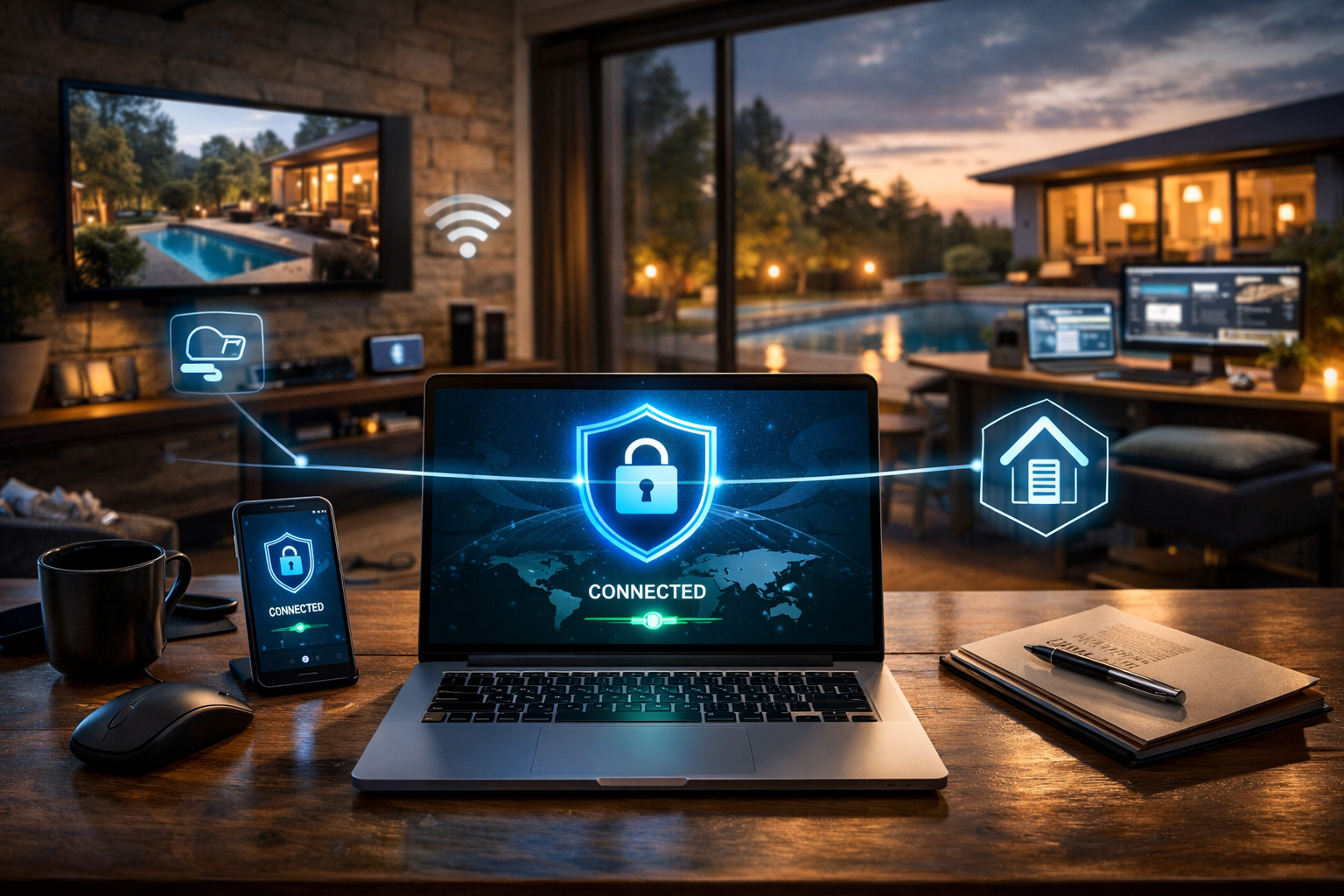
A home remote access VPN creates an encrypted tunnel from your laptop or phone to your home network. Once connected, you can use your home devices as if you were on local Wi-Fi. That includes accessing a home server, remote desktop, printer, NAS storage, smart home hubs, or internal dashboards.
In 2026, the biggest change is that more home networks are behind CGNAT (Carrier-Grade NAT). This often breaks traditional inbound connections unless you have port forwarding or a workaround. Many people now also have multiple internet providers, mesh routers, and IPv6, which makes simple VPN setups more complex.
The practical goal remains the same: secure access without exposing services directly to the public internet. The best setup reduces attack surface and avoids open ports wherever possible.
Key Features of the Best VPN for Home Remote Access
The Best vpn for home remote access must be evaluated by technical features, not marketing. A VPN that is excellent for browsing privacy may still be weak for remote access reliability.
First, you need stable tunneling protocols. In 2026, WireGuard-based solutions dominate because they are fast, modern, and efficient. OpenVPN still works but is heavier and often slower on mobile networks.
Second, you need strong authentication. Look for multi-factor authentication, device-based keys, and short-lived credentials. Remote access is a high-value target because it provides a direct entry into your private network.
Third, you need NAT traversal or relay support. If your home ISP uses CGNAT, a VPN that can function without port forwarding becomes critical. Without this, your remote access may fail unless you change ISPs or pay for a static IP.
Fourth, you need fine-grained access control. A good remote access VPN lets you restrict which devices or subnets can be reached. This prevents “full network exposure” if one device is compromised.
Finally, you need usability. The best remote access VPN is the one you can maintain. If updates, key rotation, and device onboarding are painful, your security will degrade over time.
Best VPN Types for Home Remote Access (And Which One Wins)
In 2026, there are three realistic VPN categories for home remote access. Each has a different trade-off between control, cost, and simplicity.
1) Self-hosted WireGuard VPN (highest control) This is the classic approach: you install WireGuard on a home server or router, open a port, and connect from anywhere. It is fast, private, and extremely flexible.
The downside is that it requires networking skills. You must manage port forwarding, firewall rules, dynamic DNS, and key management. If your ISP uses CGNAT, this setup may not work without extra steps.
2) Mesh VPN (best for most people) A mesh VPN creates a private network between your devices without requiring a public inbound port. Each device joins the same secure overlay network, and you can reach your home devices even under CGNAT.
This category is often the Best vpn for home remote access for 2026 because it solves the hardest modern problem: unreliable inbound connectivity. It also tends to be simpler to deploy across phones, laptops, and home servers.
3) Business remote access VPN / ZTNA (best for teams) Zero Trust Network Access (ZTNA) is now common even for small teams. It provides identity-based access, device posture checks, and app-level controls. It is usually overkill for one person, but excellent for families or small offices.
The trade-off is cost and complexity. Many ZTNA tools require a dashboard, policies, and ongoing administration.
For most home users in 2026, mesh VPN is the most practical winner. For advanced users with full router control and public IP access, self-hosted WireGuard remains the most powerful.
Top VPN Options That Fit Home Remote Access Needs
This section avoids hype and focuses on what actually works for remote access in 2026. The “best” depends on your home network constraints and how much control you want.
WireGuard (self-hosted) WireGuard is a protocol and toolset, not a consumer VPN subscription. If you can host it properly, it delivers excellent speed and reliability. It is ideal for remote desktop, file transfer, and accessing internal services.
It is not automatically easy. You are responsible for security hardening, firewall configuration, and keeping the server patched.
Tailscale (mesh VPN) Tailscale is one of the most common mesh VPN choices for remote access. It uses WireGuard under the hood and focuses on simple onboarding and device connectivity. It works well behind CGNAT and across mobile networks.
It is strong for users who want remote access without opening router ports. It also supports access controls and device management in a way that scales beyond one device.
ZeroTier (mesh VPN) ZeroTier is another overlay network solution. It can be powerful for complex home lab setups, multi-subnet routing, and advanced configurations. It is popular among self-hosters.
It may require more networking understanding than Tailscale. For some users, that is a benefit, not a drawback.
OpenVPN Access Server (traditional remote access) OpenVPN remains widely used. It is stable and compatible with many systems, including older routers and corporate environments. It can be a good choice if you already have OpenVPN knowledge.
For modern home remote access, it is usually slower than WireGuard and less efficient on battery-powered devices.
Cloudflare Tunnel + Access (remote access alternative) This is not a VPN in the classic sense, but it is a remote access solution. It allows you to expose specific internal services through secure authentication without opening ports. It is useful for web dashboards, internal apps, and home admin panels.
It is not ideal for full LAN access like SMB file browsing or remote printer discovery. It is best for service-level access rather than network-level access.
If your intent is full home LAN access, mesh VPN or WireGuard is typically the correct answer. If your intent is accessing only one or two services, tunnel-based access may be safer and simpler.
How to Choose the Best VPN for Home Remote Access
Start by identifying your biggest constraint: ISP limitations, device count, or security requirements. Most people choose poorly because they select based on brand recognition instead of network reality.
If your home ISP uses CGNAT, prioritize a VPN that does not require inbound port forwarding. This pushes you toward mesh VPNs or tunnel-based approaches. If you can obtain a static IP or true public IPv4/IPv6, self-hosting becomes more viable.
If you want full access to your home LAN, choose a solution that supports subnet routing. Many people need to access a NAS, a home server, or IoT controllers that cannot run VPN clients. Subnet routing is the feature that makes remote access feel “local.”
If you care about performance for remote desktop or large file transfers, prioritize WireGuard-based solutions. In 2026, this is the best baseline for speed and low latency.
If you have multiple users (family members, small team), prioritize identity management and access control. You do not want every user to have full access to your entire network. A good remote access VPN should support segmentation.
Finally, consider maintenance. The Best vpn for home remote access is not the one with the most features. It is the one you will keep updated, keep secured, and keep functioning under real-world conditions.
Security Best Practices for Home Remote Access VPNs
A home remote access VPN is a security boundary. If it is misconfigured, it becomes an attacker’s easiest entry point.
Use unique device keys and revoke access immediately for lost phones or old laptops. Avoid shared credentials. Treat every device as a potential risk.
Enable multi-factor authentication wherever possible. If your VPN solution supports SSO, use it carefully and enforce strong account security.
Do not expose unnecessary ports. If you self-host WireGuard, expose only the VPN port and block everything else. Avoid exposing admin panels, SSH, or NAS ports directly to the internet.
Segment your home network. Put IoT devices on a separate VLAN. Limit VPN clients to only the subnets they need. This reduces damage if a device is compromised.
Keep systems updated. Many home remote access breaches happen because the VPN server or router firmware is outdated. A secure VPN with an unpatched host is still insecure.
Log and monitor access. Even basic logs help detect unusual sign-ins or unexpected device behavior. Remote access should be treated like a small enterprise security problem, not a casual home setup.
Conclusion
The Best vpn for home remote access in 2026 is typically a WireGuard-based solution that can operate reliably behind CGNAT, supports subnet routing, and offers strong access controls. For most people, a mesh VPN is the most practical choice because it avoids port forwarding and reduces setup complexity, while advanced users can still get maximum performance and control through self-hosted WireGuard.
FAQ
Q: What is the Best vpn for home remote access if my ISP uses CGNAT? A: A mesh VPN is usually the best choice because it can connect devices without requiring inbound port forwarding or a public IP.
Q: Is WireGuard better than OpenVPN for home remote access in 2026? A: For most users, yes, because WireGuard is faster, more efficient, and typically lower latency for remote desktop and file access.
Q: Do I need to open ports on my router for home remote access VPN? A: Only if you self-host a traditional VPN server; mesh VPNs and tunnel-based solutions can often avoid open ports entirely.
Q: Can I access my NAS and home printer through a remote access VPN? A: Yes, if your VPN supports full LAN or subnet routing, you can access devices that do not have VPN clients installed.
Q: What is safer: full VPN access or exposing one service through a tunnel? A: Exposing only the required service through a tunnel is often safer because it reduces network exposure, but it does not replace full LAN access when you need it.
