
How to Protect Data with Remote Access: Essential Tips
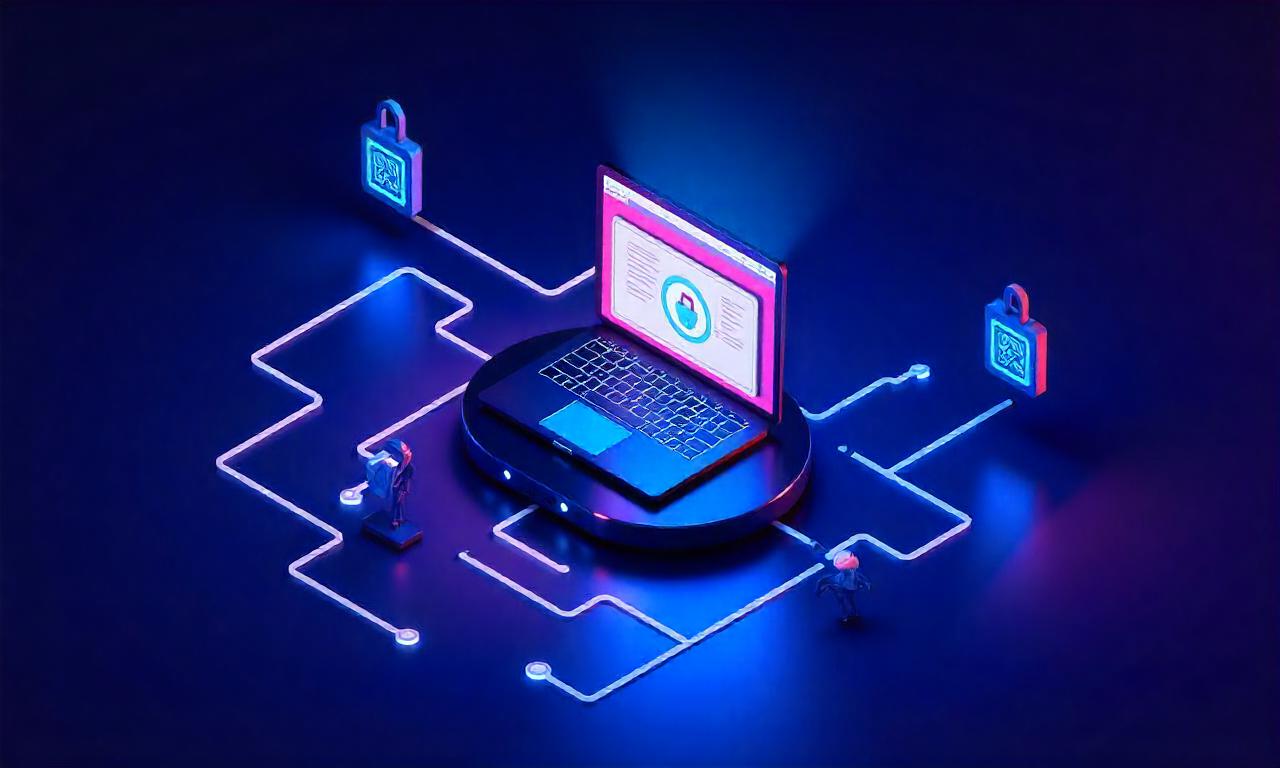
In today’s increasingly digital world, remote access has become a cornerstone of modern business operations. Whether you’re a professional working from home, a student collaborating on projects, or a company managing sensitive information across multiple locations, the convenience of accessing data from anywhere comes with its own set of challenges. One of the most pressing concerns is data security—ensuring that your information remains safe from cyber threats, unauthorized access, and potential breaches. So, how to protect data with remote access is not just a question of convenience, but a necessity for maintaining trust, compliance, and operational continuity. This article explores how to protect data with remote access by breaking down essential strategies, tools, and best practices to safeguard your digital assets effectively.
Section 1: Understanding the Risks of Remote Access
Before diving into solutions, it’s crucial to recognize the risks associated with remote access. While it enables flexibility and efficiency, it also opens the door to vulnerabilities that can be exploited by hackers. Remote access systems, such as Virtual Private Networks (VPNs), remote desktop tools, and cloud-based platforms, are attractive targets because they often serve as entry points to an organization’s internal network.
The Hidden Threats of Remote Access
Remote access introduces several security risks, including network vulnerabilities, data breaches, and unauthorized access. For instance, unsecured connections can be intercepted, allowing malicious actors to eavesdrop on data transmitted between your device and the network. Additionally, weak authentication methods may grant access to unauthorized users, especially if employees use shared passwords or fail to log out properly. According to recent studies, 68% of data breaches involve remote access points, highlighting the need for proactive security measures. One of the most common risks is phishing attacks, where attackers mimic legitimate login pages to steal credentials. Once inside, they can access sensitive files, manipulate systems, or even install malware. Another critical concern is data leakage, which occurs when unencrypted data is transmitted over public networks, making it easy for cybercriminals to capture and misuse.
The Role of Human Error
While technology plays a significant role in data security, human error remains a major factor. Employees may inadvertently download malicious software, click on suspicious links, or use weak passwords. This underscores the importance of not only implementing technical safeguards but also fostering a culture of security awareness.
Section 2: Essential Tips for Securing Remote Access
To mitigate the risks of remote access, organizations and individuals must adopt a multi-layered approach. Here are essential tips that can help you how to protect data with remote access effectively.
Use Strong Passwords and Multi-Factor Authentication (MFA)
Passwords are the first line of defense against unauthorized access. However, weak or reused passwords make it easy for hackers to breach systems. To enhance security, use strong passwords that are unique, complex, and include a mix of uppercase and lowercase letters, numbers, and special characters. For example, a password like "P@ssw0rd!2023" is far more secure than "password123." Additionally, multi-factor authentication (MFA) adds an extra layer of protection by requiring users to provide two or more verification methods. This could include a password, a one-time code sent to a mobile device, or biometric authentication. Implementing MFA is a simple yet powerful step in how to protect data with remote access. Even if a password is compromised, the second factor makes it significantly harder for attackers to gain access. Many platforms now offer MFA as a default feature, so ensure you enable it wherever possible.
Establish Secure Connections with Encrypted Protocols
Remote access often relies on network protocols such as SSH, HTTPS, or SSL/TLS. Using encrypted protocols ensures that data transmitted between your device and the remote system is protected from interception. SSL/TLS encryption is essential for securing web traffic, while SSH (Secure Shell) is ideal for remote server access. These protocols scramble data into unreadable code, making it difficult for hackers to steal sensitive information. For example, using HTTPS instead of HTTP when accessing cloud services prevents data from being exposed to eavesdroppers. It’s also important to choose the right <strong>VPN (Virtual Private Network)</strong> service. A good VPN creates a secure tunnel over the internet, masking your IP address and encrypting all data. Ensure that your VPN provider uses strong encryption standards like AES-256 and has a no-logs policy to minimize data exposure.
Limit Access Rights and Implement Role-Based Permissions
Not every user needs the same level of access. Implementing role-based permissions ensures that employees or devices only have access to the data and systems necessary for their tasks. Access control is a critical component of how to protect data with remote access. For instance, a finance team member may require access to financial databases, while a marketing employee might only need access to customer insights. By assigning specific roles and permissions, you reduce the risk of accidental or intentional data exposure. Additionally, <strong>least privilege principle</strong> should guide your security strategy. This means granting users the minimum level of access required to perform their duties. Regularly review and update these permissions to ensure they remain aligned with evolving needs.
Regularly Update Software and Systems
Cyber threats evolve rapidly, and outdated software often contains security vulnerabilities that attackers can exploit. Regular updates ensure that these vulnerabilities are patched and that your systems are protected against the latest threats. Software updates should include both operating systems and applications. For example, updating your remote desktop software can fix bugs and strengthen encryption. Similarly, keeping your devices’ firmware up-to-date is vital for maintaining security.
*Automated update systems** can help streamline this process, but it’s also important to manually check for critical patches. Establish a schedule for updates and ensure that all users follow it to prevent gaps in security.
Section 3: Encryption as a Key Component in Data Protection
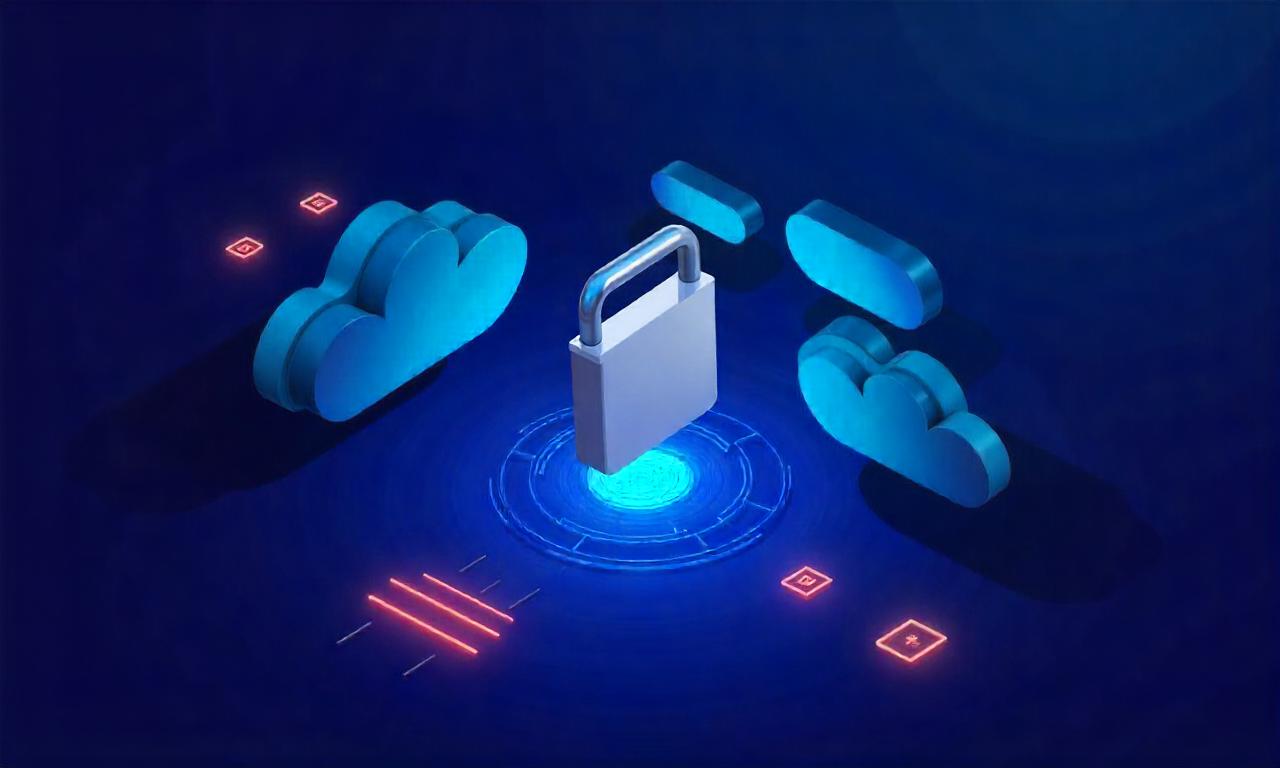
Encryption is one of the most effective tools for securing data during remote access. By converting data into an unreadable format, encryption ensures that even if it is intercepted, it remains inaccessible without the correct decryption key.
The Importance of Data Encryption
Data encryption is essential for protecting sensitive information. When data is transmitted over the internet, it can be vulnerable to man-in-the-middle attacks, where an attacker intercepts the data between the sender and receiver. Encrypting data at rest and in transit minimizes this risk. For instance, <strong>using AES-256 encryption</strong> for data stored in cloud services provides robust protection. Similarly, end-to-end encryption ensures that data is encrypted from the moment it is sent until it reaches its destination, making it nearly impossible for third parties to access.
Best Practices for Encryption Implementation
To maximize the benefits of encryption, follow these best practices:
– Use strong encryption algorithms: Opt for industry-standard algorithms like AES-256 or RSA-2048 for data encryption. – Encrypt all data: Ensure that both data in transit (e.g., during remote access) and data at rest (e.g., stored on servers or devices) are encrypted. – Implement encryption for files: Use file encryption tools to protect individual documents, especially those containing confidential information.
Encryption is not just a technical requirement—it’s a fundamental part of <strong>how to protect data with remote access</strong>. By integrating encryption into your security strategy, you create a powerful barrier against cyber threats.
Section 4: Monitoring and Auditing Remote Access Activity
Even the most robust security measures can fail if you don’t monitor and audit remote access activity regularly. Monitoring helps detect suspicious behavior, while auditing ensures that security policies are being followed consistently.
The Need for Real-Time Monitoring
Real-time monitoring allows you to track user activity and identify potential threats as they occur. Tools like SIEM (Security Information and Event Management) systems can analyze logs and alert you to unusual patterns, such as multiple failed login attempts or access to restricted files. For example, <strong>monitoring IP addresses</strong> can help you spot access from unknown locations, which may indicate a breach. Additionally, tracking user sessions ensures that users are authenticated and authorized before accessing systems.
Regular Audits and Access Reviews
Regular audits are essential for maintaining the integrity of your remote access systems. These audits should review access logs, user permissions, and system configurations to identify vulnerabilities or misconfigurations. Conducting periodic access reviews ensures that users still have the right level of access. For instance, deactivating accounts for employees who have left the company or revoking permissions for users who no longer need them reduces the risk of data exposure. Auditing is not a one-time task—it should be an ongoing process. By integrating <strong>continuous monitoring</strong> and <strong>periodic audits</strong> into your workflow, you can ensure that <strong>how to protect data with remote access</strong> remains a dynamic and responsive strategy.
The Role of Logging and Analytics
Logging is a critical aspect of monitoring remote access. Every action taken through remote tools should be recorded, including login attempts, file transfers, and system modifications. Analytics tools can help you interpret these logs and gain insights into user behavior. For example, identifying peak access times or analyzing access patterns can highlight potential security risks. Additionally, using behavior analytics to detect anomalies, such as a user accessing data outside their normal working hours, can help prevent breaches before they occur. Combining <strong>logging</strong> with <strong>behavioral analytics</strong> creates a proactive approach to <strong>how to protect data with remote access</strong>. This allows you to respond quickly to threats and improve your security posture over time.
Conclusion
Securing data with remote access requires a comprehensive strategy that addresses both technical and human factors. By understanding the risks associated with remote access and implementing essential tips like strong authentication, encrypted protocols, and role-based permissions, you can significantly reduce the likelihood of data breaches. Furthermore, encryption and monitoring are critical components that ensure your data remains protected even in the face of evolving cyber threats.
How to protect data with remote access is not just about setting up the right tools—it’s about fostering a security-conscious culture and maintaining consistent vigilance. Whether you’re an individual user or part of a large organization, taking these steps will help you safeguard your information and build trust in your digital environment. By prioritizing data security and staying informed about the latest best practices, you can confidently leverage remote access without compromising your data.
